Spotware launches cTrader Mobile 5.6 with enhanced charting and equity visualisation

cTrader Mobile 5.6: Enhanced charting and equity visualisation
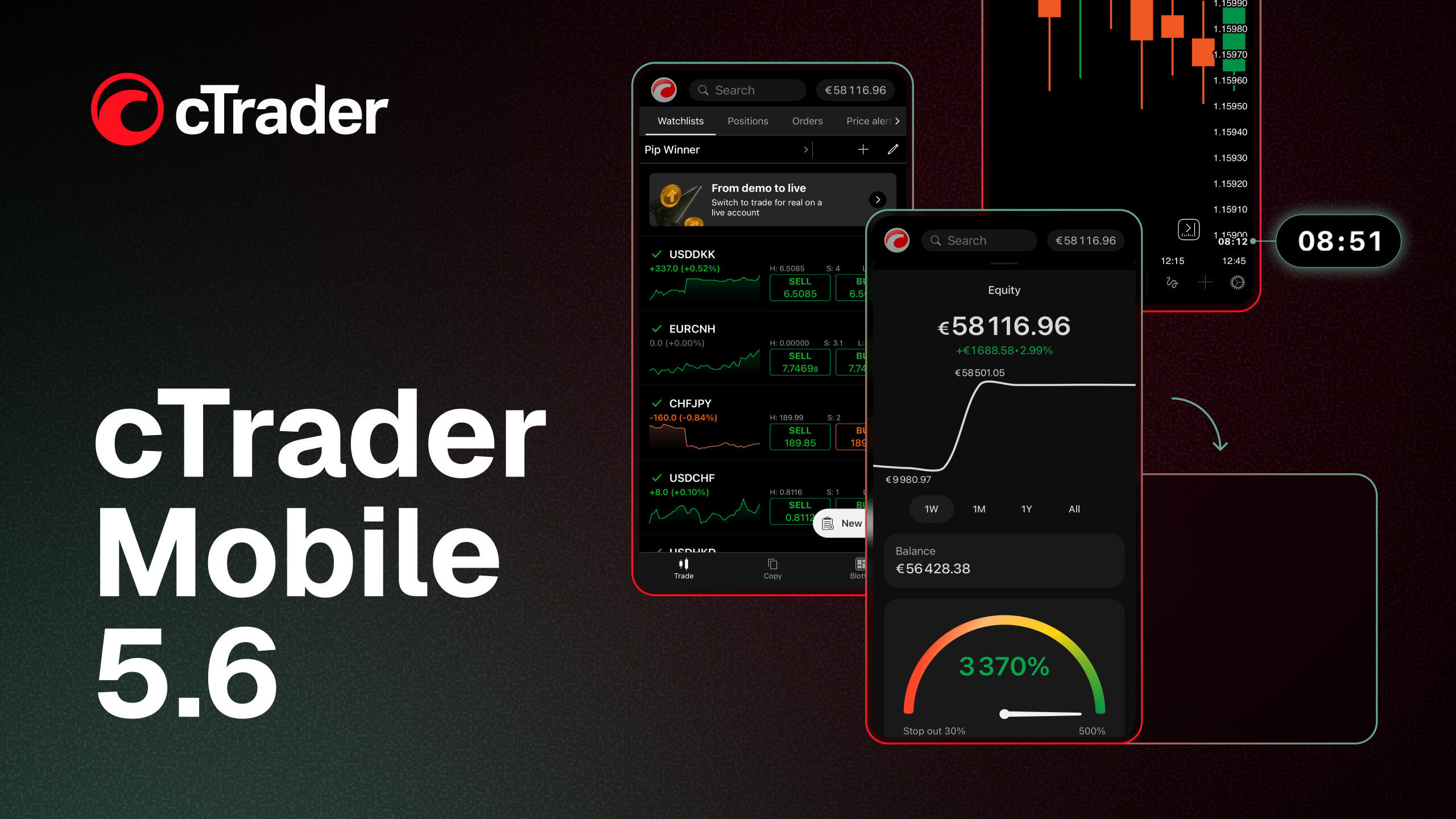
Spotware, the developer of the multi-asset trading platform cTrader, has released cTrader Mobile 5.6, enhancing the mobile experience for traders of all levels with updates focused on transparency, usability and visual clarity. The new version adds an equity chart in the account dashboard, a candle countdown, a redesigned landscape view and a clearer interface to improve readability.
Visualising account performance
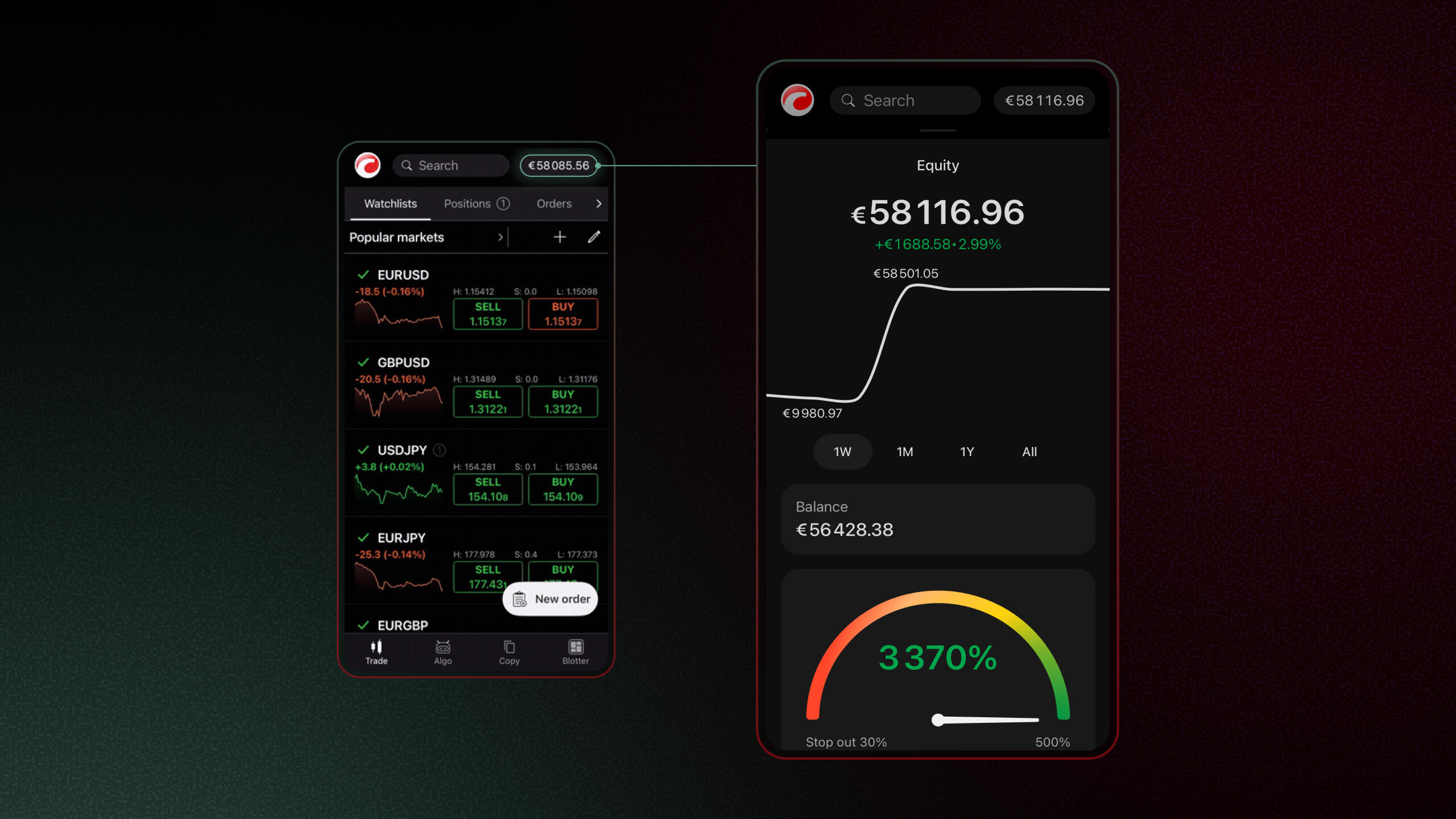
The new equity chart in the account dashboard provides a detailed view of how trading activity, deposits and withdrawals influence account equity over time. By allowing users to select specific periods, it offers a clear record of equity changes and account dynamics.
Time-aware analysis
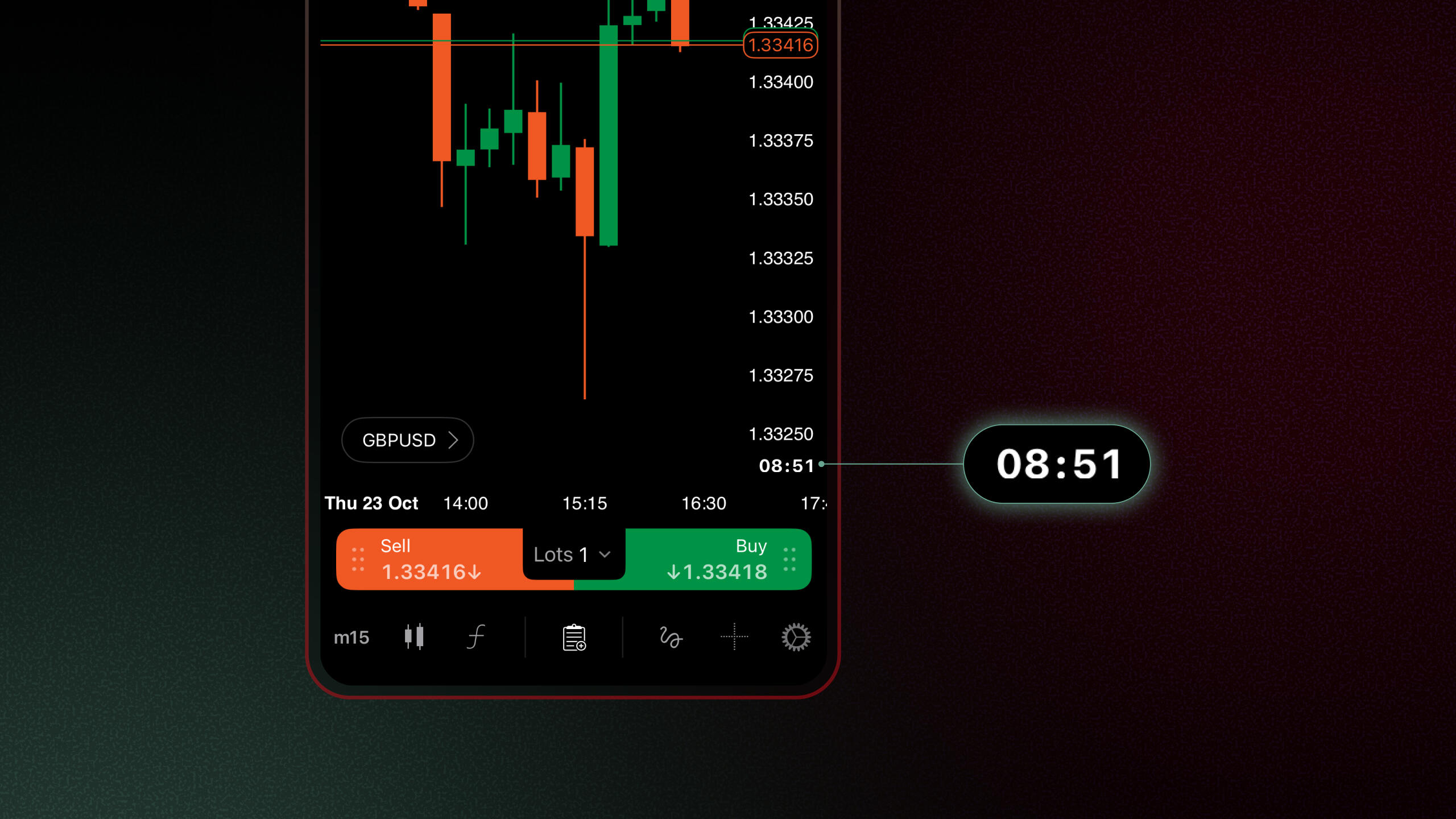
The update introduces a candle countdown on charts, indicating the time remaining before the current candle closes for the selected timeframe. The feature improves timing accuracy within analysis and supports more confident execution across trading strategies. It has been developed in response to user requests for greater precision and control in time-based trading.
Spacious landscape view
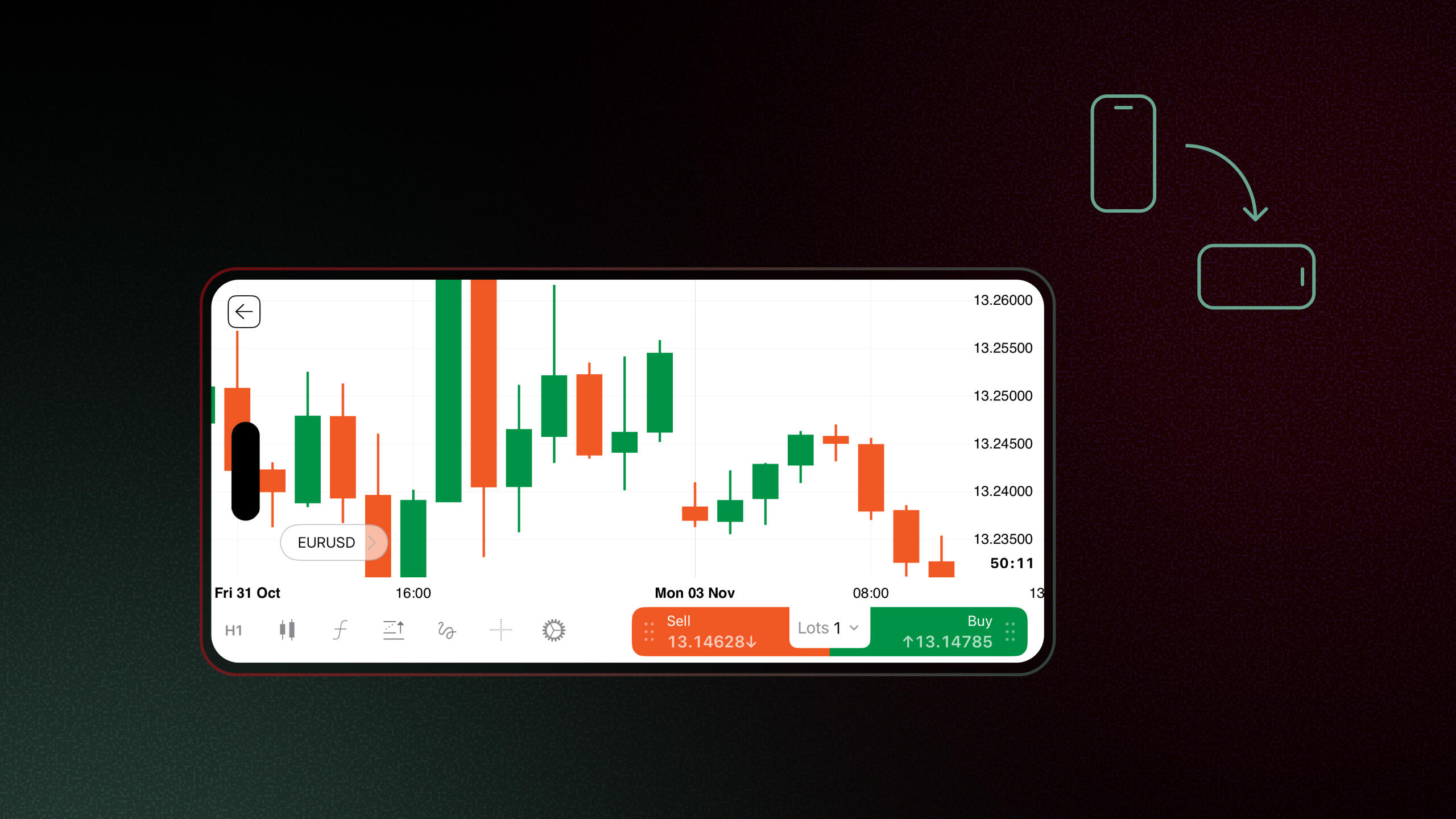
The redesigned landscape layout delivers a larger chart area for improved visibility and analysis. All Quick Trade and toolbar functions remain accessible in a compact single-row format, ensuring an efficient use of screen space. The enhanced view improves readability by reducing interface clutter.
Streamlined interface
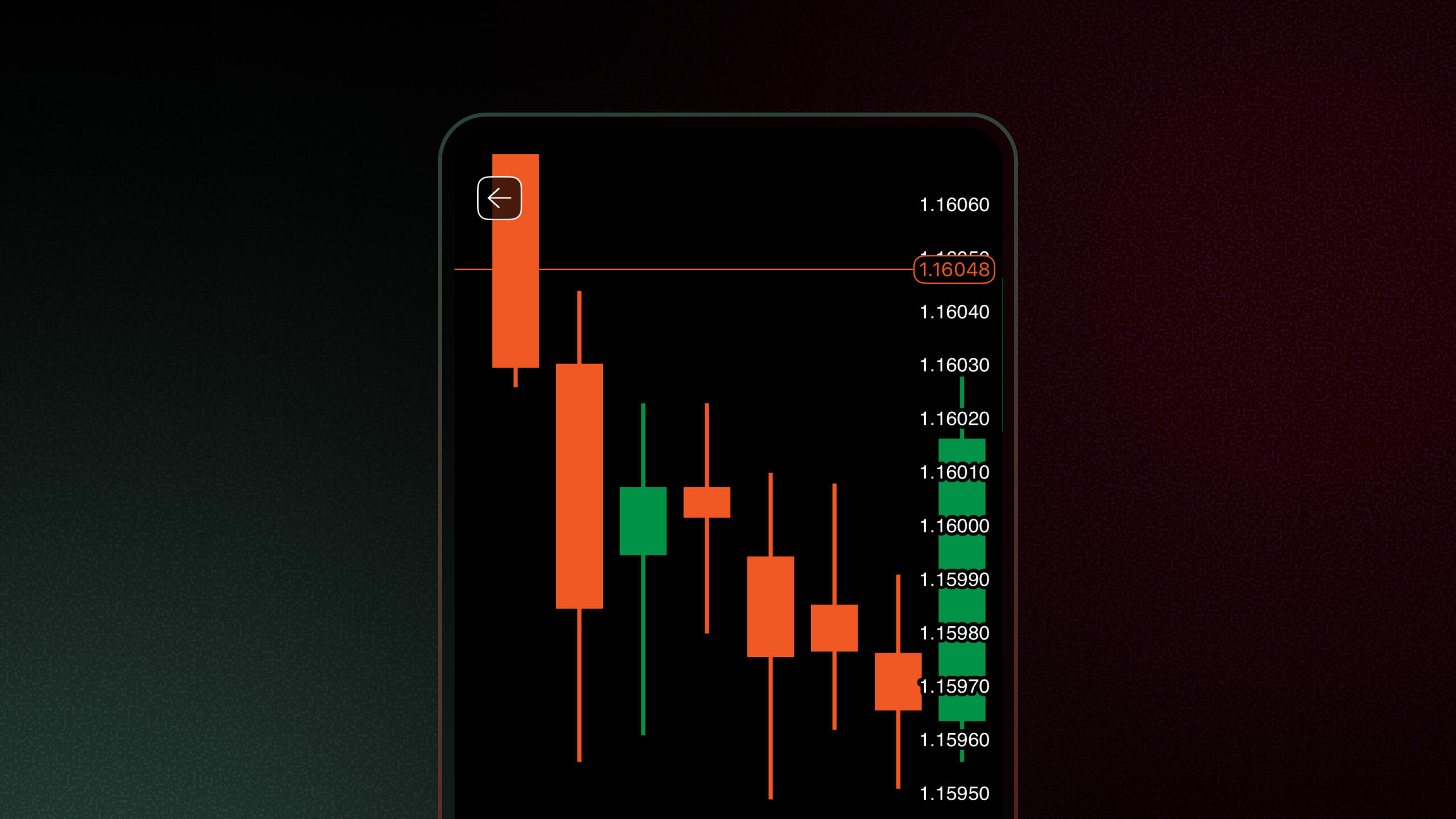
Charts have been refined with a transparent price axis and the removal of axis separators, creating a cleaner visual structure. These improvements allow charts to be dragged and resized with greater flexibility, enabling precise adjustment of scale and position without visual obstruction.
Live trading ribbons
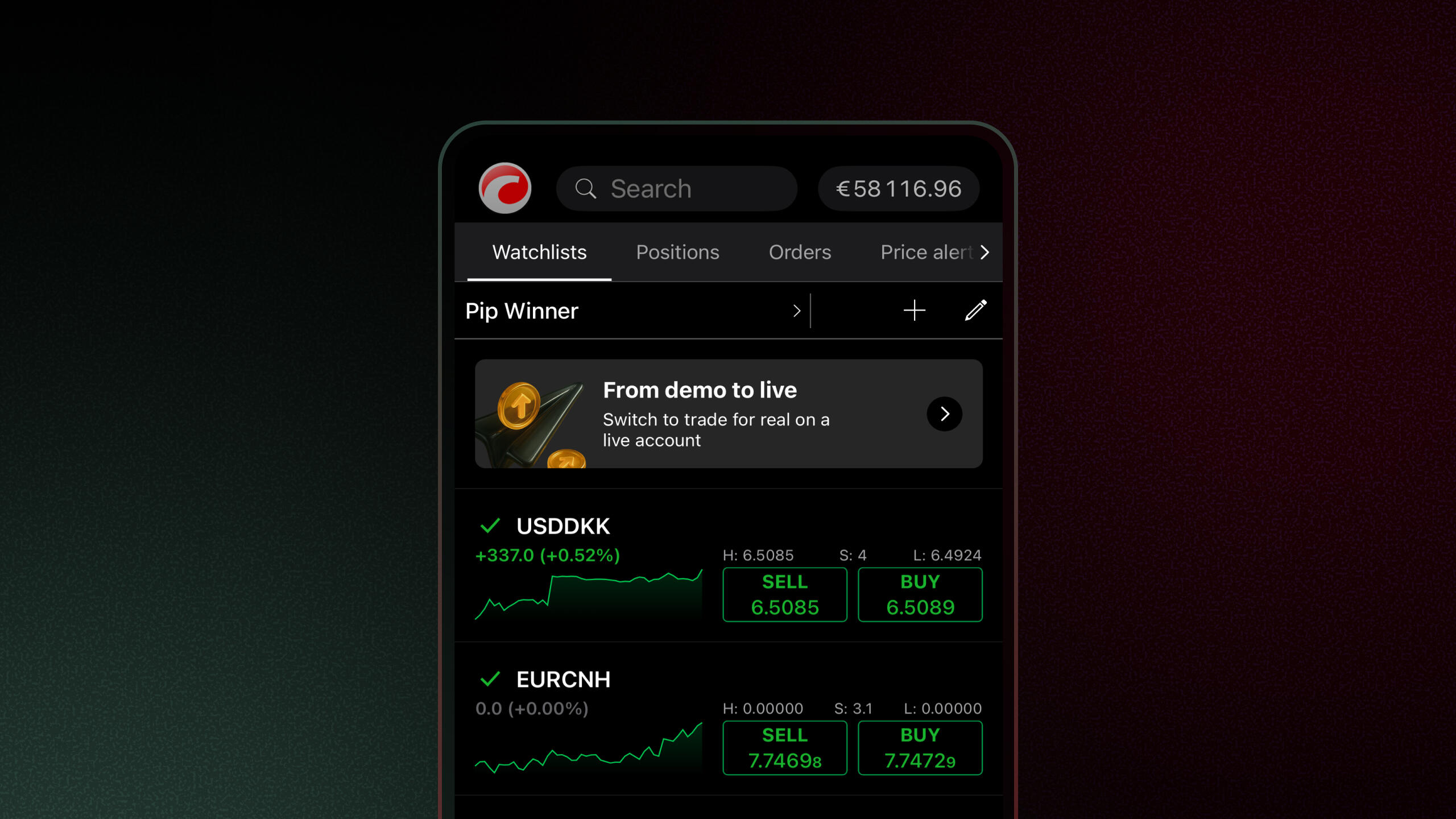
Version 5.6 introduces live trading ribbons – contextual in-app prompts that surface relevant account actions, such as switching, opening or funding an account. Triggered by specific account states (e.g. moving between demo and live, strong demo performance without a live account, no live account or a low live balance), ribbons appear only when relevant, close automatically once the condition no longer applies and can be managed or disabled at broker level. This feature supports clearer account journeys and more consistent communication within the trading interface.
“With cTrader Mobile 5.6, we are strengthening the mobile experience in ways that matter across the trading ecosystem,” said Sergey Borisov, Product Manager for cTrader Mobile at Spotware. “Our Traders First™ approach turns feedback into practical improvements, delivering a premium mobile trading experience for traders and a scalable ecosystem for brokers.”
Together, these refinements position cTrader Mobile 5.6 as a reliable trading environment, improving clarity and enabling smoother execution on the go.
About cTrader
cTrader is a multi-asset FX/CFD trading platform built on the Traders First™ principles to serve traders, brokers and prop firms with cutting-edge features and lightning-fast execution. With advanced native charts, built-in social trading and free cloud execution for trading algorithms, cTrader delivers a powerful, premium trading experience. As an Open Trading Platform™, it offers over 100 third-party integrations via APIs and plugins. cTrader Store allows developers to monetise trading algorithms and reach over 11 million traders, while helping brokers grow through IB-focused solutions and seamless onboarding.